Course Description:
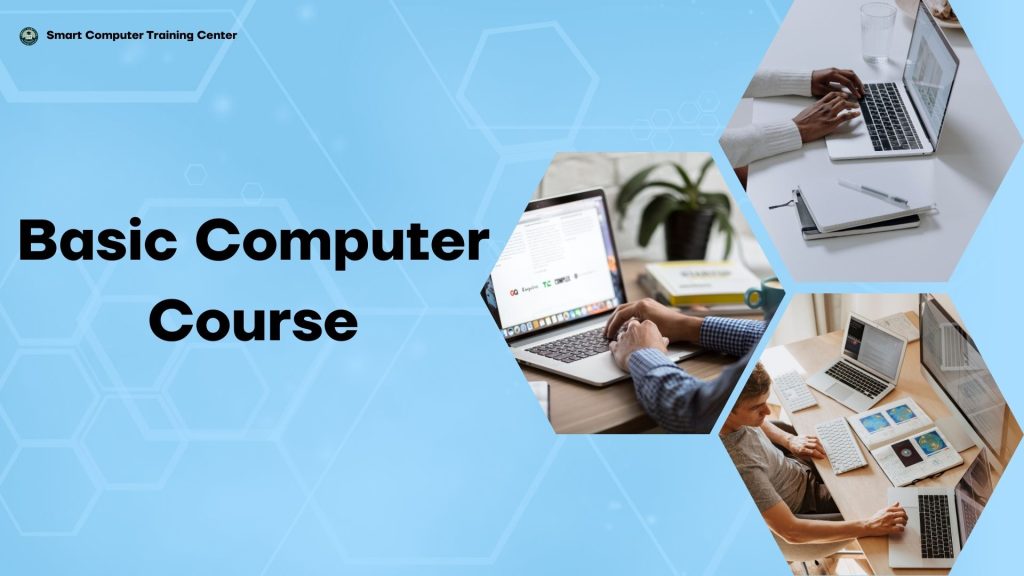
Our Basic Computer Course is designed for beginners who want to build strong digital skills. This course covers computer fundamentals, Windows operations, typing practice, MS Word, Excel, PowerPoint, internet usage, and essential digital tools needed for study, office work, and daily life.
📘 SEO-Friendly Course Description
Start your digital journey with our Basic Computer Course, designed for beginners, students, job seekers, and office workers. This course covers computer fundamentals, MS Word, Excel, PowerPoint, internet tools, email handling, and typing practice. Our step-by-step, practical training helps you build strong digital skills needed for study, office work, and career growth.
🔥 Why Choose Our Basic Computer Course?
✔️ Beginner-friendly course with step-by-step guidance
✔️ 100% practical training with hands-on activities
✔️ Covers MS Office, Windows, typing, and essential tools
✔️ Free digital notes and lifetime support
✔️ Experienced and friendly instructors
✔️ Real-world tasks and office-based practice
✔️ Certificate upon completion
✔️ Flexible timing and small-group classes
📚 What You Will Learn
Module 1: Computer Fundamentals
Introduction to computers
Types of computers
Hardware & software basics
Input, output, storage devices
Booting & shutting down
Module 2: Windows Operating System
Desktop, taskbar, icons
File & folder management
Control Panel & settings
Keyboard shortcuts
Module 3: Typing & Speed Development
Touch typing basics
Accuracy training
Speed improvement practice
Module 4: MS Word
Creating & editing documents
Formatting, tables, images
Page setup, printing, layouts
Module 5: MS Excel
Worksheets & formulas
Data entry & formatting
Basic functions (SUM, AVG, MAX, MIN)
Simple charts
Module 6: MS PowerPoint
Creating presentations
Themes, animations & transitions
Slide design & presentation skills
Module 7: Internet & Email
Browsing, downloading, searching
Creating & managing email
Online forms and documents
Safe internet practices
🎯 Who Should Join?
🌟 Course Outcomes (Benefits)
Students
Job seekers
Beginners learning computers for the first time
Office workers
Business owners
Anyone wanting digital confidence
Strong foundation in essential computer skills
Ability to create documents, sheets & presentations
Improved typing speed and digital confidence
Ability to apply computer skills for jobs or studies
Better productivity in personal and professional tasks
💸 Course Fee & Pricing Table
| Package Type | Includes | Duration | Fee (NPR) |
|---|---|---|---|
| Basic Package | MS Office, Typing, Internet | 3 Months | Rs. 3500 |
| Standard Package (Most Popular) | MS Office, Typing, Windows, Email, Practice Files, Certificate | 3.5 Months | Rs. 4,000 |
| Premium Package | All features + Free registration + Lifetime support + Extra revision classes | 4 Months | Rs. 5,000 |
🎁 Special Offers
✔️ Free registration for new students
✔️ Bring a friend → both get 10% discount
✔️ Festival discount available
✔️ Bonus notes + practice files included
📞 Call to Action
Start your computer journey today! Enroll now and build digital skills for a better future.